When the Agent Never Stops
Why AI-assisted development exhausts you—and what structure actually fixes

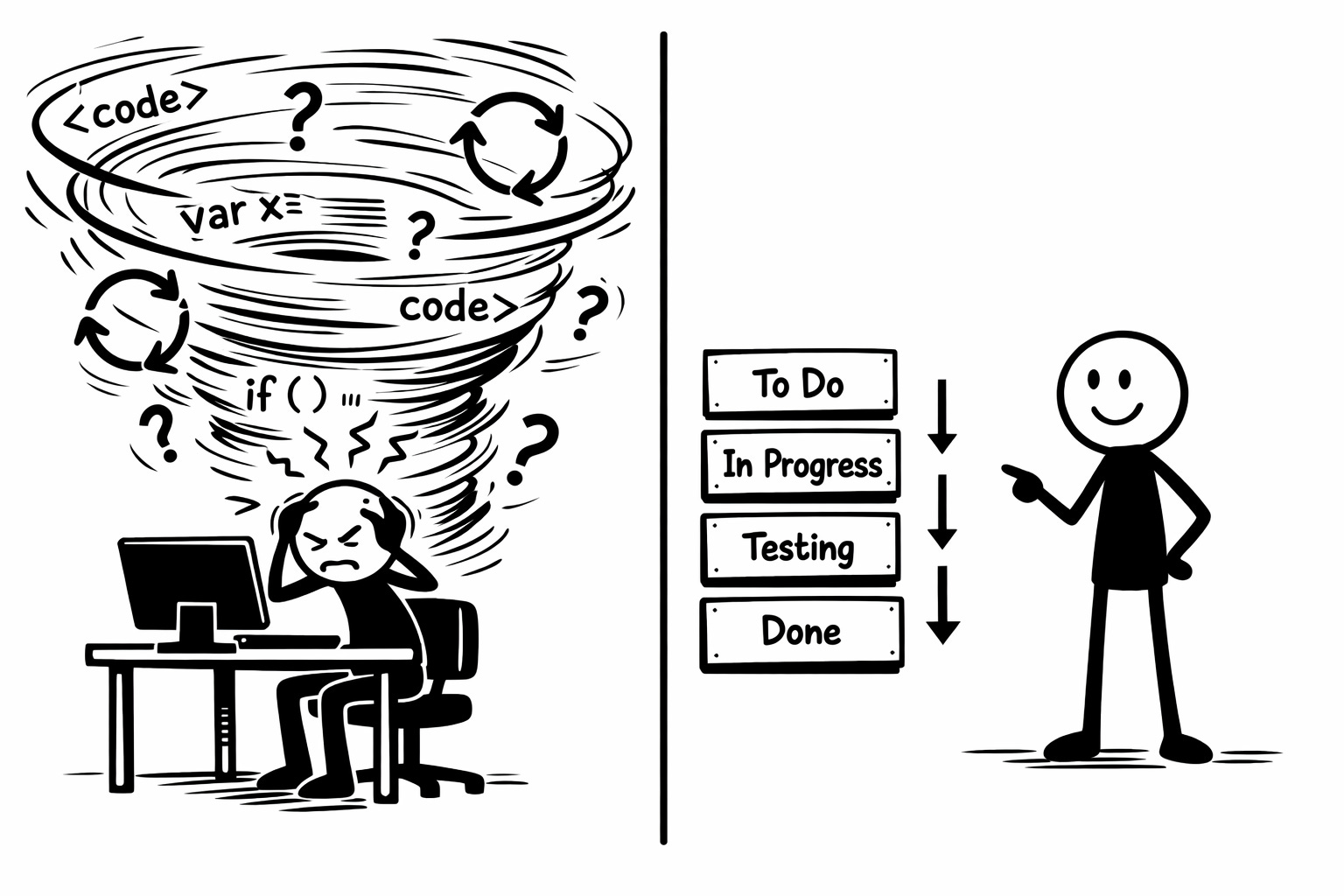
I’ve been there more times than I’d like to admit: sitting with Claude, iterating endlessly, losing track of what actually works, exhausted but unable to stop. The problem wasn’t the AI—it was my lack of structure. The casino loop happens when you’re designing and building simultaneously, asking the AI to hit a moving target while your working memory overflows.
When the Agent Never Stops
I sit down with Claude or Cursor. The session starts well. I ask for a feature, it generates code, looks reasonable. Then I notice something. “Actually, can you adjust that?” Sure, it fixes it. But now something else seems off. “Let’s refactor this part.” It does.
Three hours later, I’m still going. The codebase has changed fifty times. I’ve lost track of what actually works. I’m exhausted, but I can’t quite stop because maybe the next iteration will get it right.
I call this the casino loop. Variable rewards—sometimes the code is brilliant, sometimes it’s a mess. No clear end point. Just one more pull of the lever.
It took me a while to understand what was actually happening. I was doing ad hoc context engineering without realizing it. Each prompt was a scramble to give the agent enough context. But the context kept shifting because I hadn’t planned the construction steps. I was building and designing simultaneously, asking the agent to hit a moving target.
The problem wasn’t the AI. It was my lack of structure around how I worked with it.
The data backs this up. A 2025 survey found that 65% of engineers experience burnout despite their organizations using AI in development, with 68% of tech workers reporting burnout symptoms overall—up from 49% just three years prior [1]. More telling: 67% of developers report spending more time debugging AI-generated code than expected, and up to 50% show signs of cognitive strain or burnout after prolonged AI tool usage [2].
What I Learned About Context Design
I started with Beads — Steve Yegge’s open-source issue tracker that lives in your repo. It forced me to think differently about how I structured work for agents. I’ve since moved to plain gh issues and a worktree rule, which I wrote about in Two gh Commands and a Worktree Rule. The tool changed. The principle didn’t.
The principle is this: when I create an issue now, I’m not just describing work to be done. I’m engineering the context for that stage of construction. Each issue becomes a framing: what needs to exist before this work can start? What should the agent focus on? What can it ignore?
When I write an issue for user authentication with a dependency on database schema, I’m designing the context boundary. The agent working on authentication knows the schema exists and is stable. It doesn’t have to wonder, doesn’t have to ask, doesn’t generate code that assumes a different schema.
This is active planning. I’m thinking through the construction sequence before I start generating code. I’ve written before about the architecture-first approach, where defining VISION.md and ARCHITECTURE.md before code generation creates the foundation. What I didn’t explain was why structure matters psychologically — what happens when you don’t have it.
It feels slower at first. But it’s not—it just feels that way because I’m not iterating endlessly.
Why I Was Burning Out
Your working memory holds about four to seven items at once—recent 2024-2025 research continues to confirm this cognitive limit, with studies showing that processing tasks with higher cognitive load result in significantly lower memory performance [3]. When I was building without structure, I was trying to track: what works, what’s broken, what depends on what, what comes next.
With AI generation, the load multiplied. I was also tracking: did the agent understand correctly? Is this code actually better than the last version? What did I ask for twenty messages ago? Which iteration was the one that actually worked?
Research shows it takes an average of 23 minutes and 15 seconds to fully regain focus after a significant interruption, and interrupted tasks take twice as long and contain twice as many errors as uninterrupted tasks [4]. The casino loop is continuous self-interruption—every iteration resets your mental context.
I made poor decisions when I was cognitively overloaded. I accepted code I shouldn’t have. I iterated on things that were fine. I lost track of what problem I was solving.
The moment I recognized this was a Tuesday evening. I’d been refactoring an authentication module with Claude for four hours. I ran git diff and saw 400 lines changed across twelve files. I couldn’t explain what half of them did or why I’d asked for them. I reverted the entire session. Four hours, gone. I sat there staring at the terminal and realized I hadn’t been building anything. I’d been pulling a lever.
The casino loop wasn’t just wasted time. It was burning out my decision-making capacity.
AI tools replace traditional friction with decision fatigue at the design level. As developers can prototype multiple approaches quickly, they must make architectural decisions constantly. With AI assistance, you hit fundamental design walls immediately, facing questions about data models, API design, and system boundaries before you’ve had time to think them through properly [2].
What Changed
With issues and dependencies tracked outside my head, I can see what’s blocked, what’s ready, what’s done. The structure is visible.
This created natural stopping points. I close an issue. Check what’s unblocked. Decide whether to continue or stop. The decision became explicit rather than just... continuing until I was exhausted.
When I start a new session, the agent can orient itself. “What’s the highest priority unblocked work?” It’s not guessing. It’s not relying on what might still be in the context window. The structure persists.
At the end of each session, the agent cleans up the git state and prepares the context for the next session. I start from a known state. Simple.
Research supports this approach. A 2024 Stack Overflow and GitLab industry report found that 64% of developers feel productivity is hampered by poorly defined or inconsistent workflows, while teams using unified workflows report a 30% faster delivery rate compared to fragmented ones [5]. Workflow automation can reduce repetitive tasks by 60-95%, leading to time savings of up to 77% on routine activities [6].
Two Loops, Two Roles
When I work with this structure, I’m operating at two levels.
The outer loop is mine. I’m managing architecture, defining dependencies, deciding what work matters. I’m engineering the context boundaries. This is where my twenty-plus years of experience actually matters.
The inner loop is the agent’s. It generates code for a specific, well-defined issue. The context is clear. The boundaries are set. It can focus on implementation.
I can validate incrementally. Close an issue, check the code, move on. Or batch several issues if they’re related, then validate the wider body of code. The choice is mine because the structure supports both.
What changed is the feeling. I’m not scrambling. I’m not losing track. I’m building deliberately, with clear progress, with natural places to stop.
The pattern I’m describing—dissociation from your craft, losing connection to meaning—is similar to what I noticed when organizations replace junior developers with AI. The casino loop and the endless AI supervision loop produce similar exhaustion. Without structure, AI assistance becomes an accelerant for burnout rather than a productivity multiplier.
What Works
You don’t need to overhaul your entire process. Start small.
Next time you sit down with your coding agent, before you start generating code, create three issues. Just three. Make them specific. Define one dependency.
Notice what happens. I found the agent asks fewer clarifying questions. The code it generates is more focused. I have a clearer sense of what “done” means.
That’s the difference structure makes. Not revolutionary. Just sustainable.
The casino loop isn’t productive. It just feels like it in the moment. Structure gives you something better: progress you can see, decisions you can make deliberately, and the ability to stop without wondering if you should have done one more iteration.
I spent a half a year burning myself out before I figured this out. Maybe you won’t have to.
REFERENCES
[1] Medium - Sraavan Chevireddy (2025). AI, Burnout, and the Future: Navigating the New Era of Software Engineering. https://medium.com/@sraavanchevireddy/ai-burnout-and-the-future-navigating-the-new-era-of-software-engineering-9fbc54b658f9
[2] Warpedvisions.org (2025). The hidden cost of AI-assisted development: cognitive fatigue. https://warpedvisions.org/blog/2025/hitting-the-wall-at-ai-speed/
[3] ScienceDirect (2024). The cognitive load effect in working memory: Refreshing the empirical landscape. https://www.sciencedirect.com/science/article/pii/S0749596X24000615
[4] Super Productivity (2025). Context Switching Cost for Developers: Research & Data. https://super-productivity.com/blog/context-switching-costs-for-developers/
[5] Peerlist TeamCamp (2025). Developer Workflows That Actually Work: A 2025 Playbook. https://peerlist.io/teamcamp/articles/essential-developer-workflows-2025-boost-productivity
[6] Kissflow (2026). 50+ Workflow Automation Stats & Trends You Can’t Ignore. https://kissflow.com/workflow/workflow-automation-statistics-trends/